perform penetration tests on websites protected by Cloudflare
March 17, 2026 · 3 min read
Performing Penetration Testing on Cloudflare-Protected Websites
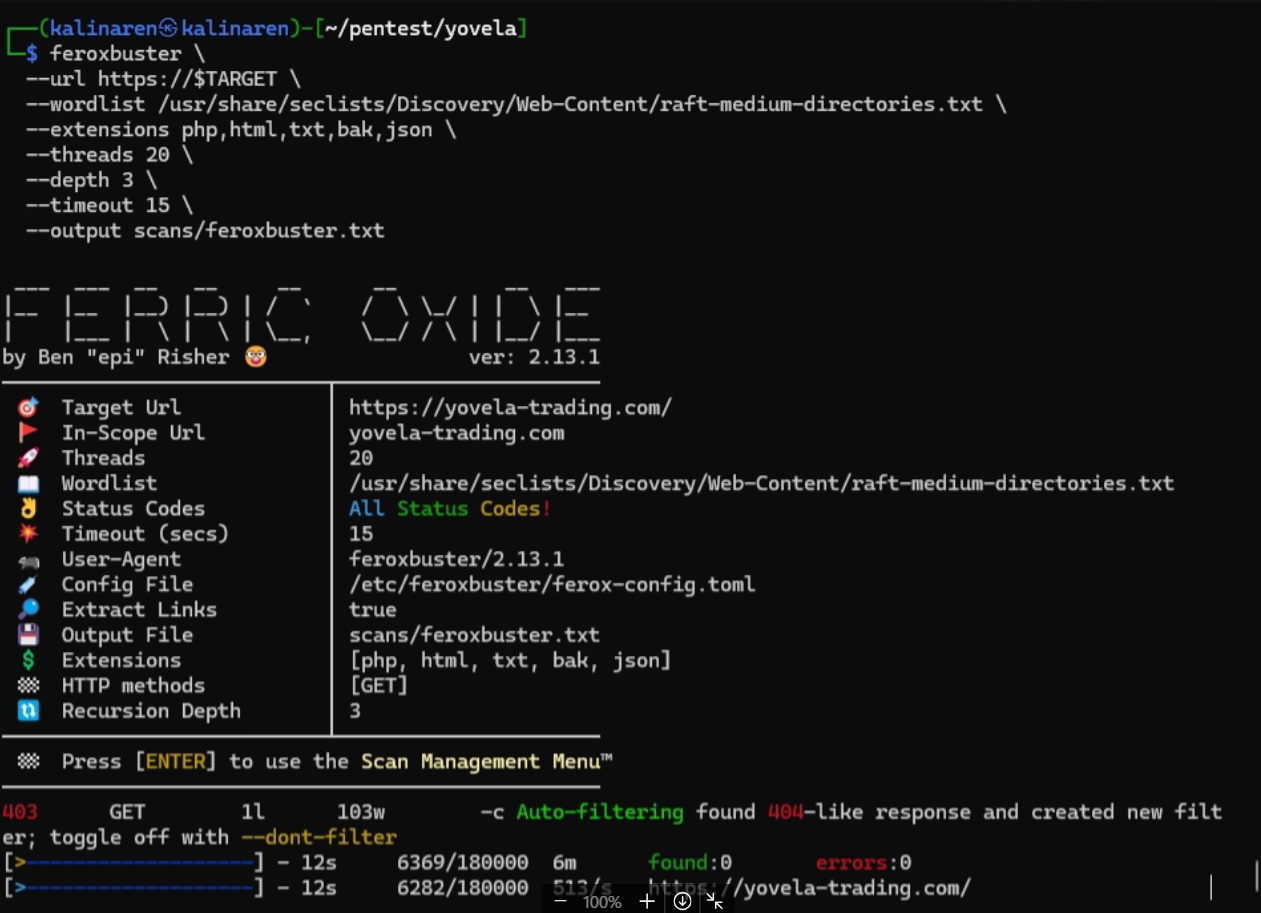
Most beginners rely too much on automation when doing penetration testing. The problem is simple: automation fails when dealing with services like Cloudflare.
This post explains how I approach manual penetration testing on targets protected by Cloudflare, focusing on methodology rather than blind scanning.
Understanding the Challenge
Cloudflare acts as a reverse proxy and Web Application Firewall (WAF). This means:
- The real server IP is hidden
- Direct port scanning is blocked
- Requests are filtered and rate-limited
- Traditional scanners become ineffective
If you don’t adapt, your results will be useless.
Step 1: Reconnaissance (Finding Weak Entry Points)
Before touching any scanner, I start with recon:
- Subdomain enumeration (Subfinder, Amass)
- DNS history analysis
- Checking old records and leaks
- Looking for exposed services not behind Cloudflare
Key idea:
You are not attacking Cloudflare. You are trying to go around it.
Step 2: Identifying the Origin Server
This is the most critical step.
Common techniques:
- Misconfigured subdomains pointing directly to origin IP
- Exposed services (SSH, FTP, panels)
- Historical DNS records
- Third-party integrations leaking IP
If you find the origin IP, Cloudflare becomes irrelevant.
Step 3: Controlled Scanning
Once you have a potential target:
- Use Nmap / Naabu carefully (avoid triggering WAF)
- Scan only relevant ports
- Avoid aggressive flags
Bad approach:
- Full port scan with high speed → blocked instantly
Good approach:
- Slow, targeted, intentional scanning
Step 4: Manual Testing
Now comes the part most people skip:
- Test endpoints manually
- Analyze request/response behavior
- Use tools like Burp Suite for deeper inspection
- Craft custom payloads instead of relying on scanners
This is where real vulnerabilities are found.
Step 5: Understanding Cloudflare Behavior
Cloudflare is not just a blocker—it gives signals:
- 403 responses → rule triggered
- CAPTCHA → suspicious traffic
- Rate limiting → too many requests
Learn to read these signals instead of fighting them blindly.
Tools Used (Support Only)
These tools are used as helpers, not decision-makers:
- Nmap
- Naabu
- Subfinder
- Amass
- Burp Suite
If you depend on tools to think for you, you will miss everything important.
Key Takeaways
- Automation is limited against WAF/CDN protections
- Real pentesting requires manual analysis
- Finding the origin server is often the turning point
- Precision beats brute force
Final Thought
If your workflow is just:
run tool → wait → read output
You are not doing penetration testing.
You are just pressing buttons.
Real skill comes from understanding systems, not tools.